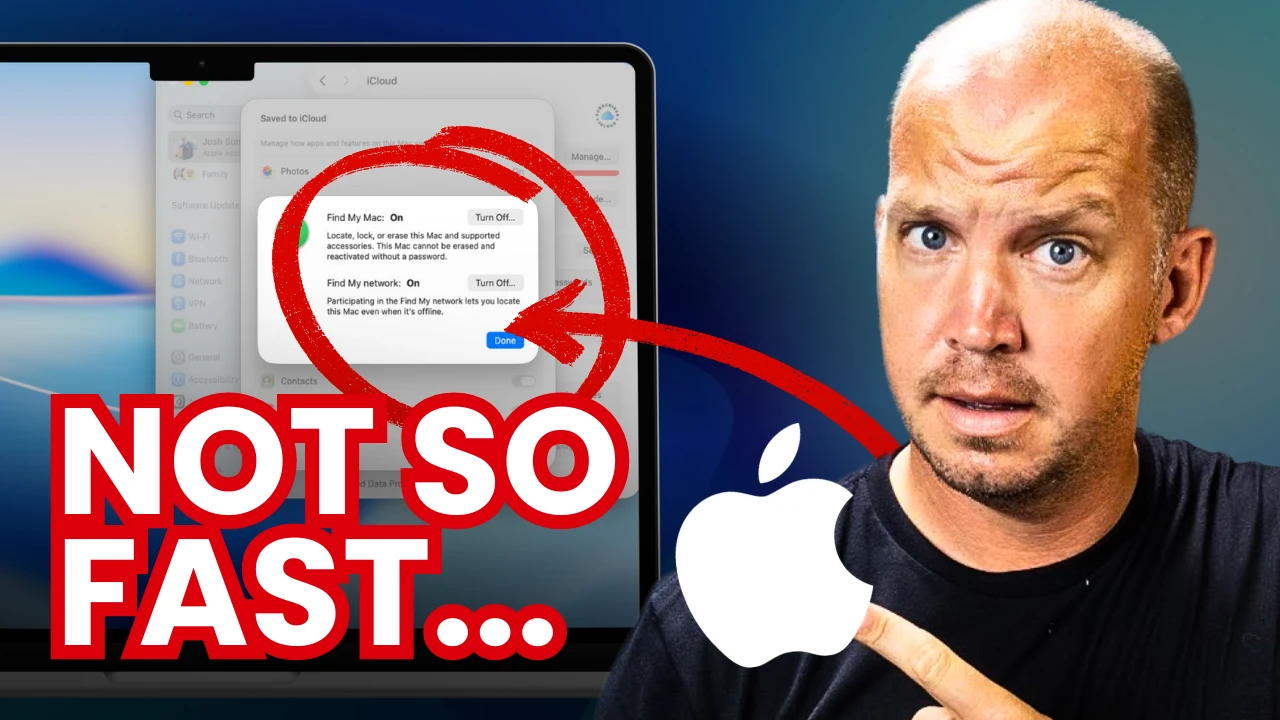
19 MacBook Security Settings to Change (<15 minutes)
About this episode
This episode discusses essential security settings for MacBook users to enhance their online privacy and security.
Whether you have a new MacBook or one that you've used for years, here are the simple but important security settings every user should change. Thanks to Proton for their support this year! Get their amazing password manager here: https://www.allthingssecured.com/try/proton-macbook ▶ Download the PDF Tutorial: https://www.allthingssecured.com/macbook Here are some of the other video tutorials mentioned: ▶ Advanced Data Protection video: https://odysee.com/@AllThingsSecured:9/everything-you-need-to-know-about:69 ▶ Apple 2FA Key Tutorial: https://odysee.com/@AllThingsSecured:9/new-to-iphone-security-feature-(only:0 ▶ Lockdown Mode Tutorial: https://odysee.com/@AllThingsSecured:9/apple's-new-lockdown-mode-(here's-what:1 If you care about your personal security and privacy online, download my free security checklist here: ✅ Security Checklist: https://www.allthingssecured.com/security-checklist-pdf/ 🔹What to Watch Next🔹 We've got a lot of great privacy- and security-related content here on the All Things Secured YouTube channel (although we admit we're a bit biased). If you're wanting to increase the security of your Apple products, here's what's next: ✅ Best iOS Security Features…
People in this episode
Host: All Things Secured
Topics covered
- MacBook security
- online privacy
- security settings
- Apple products
- password management
Keywords
- MacBook
- security settings
- online privacy
- Proton
- password manager
Sponsors
Proton
Mentioned in this episode
Books & works: MacBook, Advanced Data Protection video, Apple 2FA Key Tutorial, Lockdown Mode Tutorial, Security Checklist, Best iOS Security Features?, Should You Use Apple Passwords?
More episodes of All Things Secured | Online Privacy & Security on Odysee
- Exposing How the Government Legally Spies on You
- I tried 100s of VPNs. Here's what you NEED.
- Passkeys Explained (so even a child could understand)
- SECURE Messaging isn't what you think
- STOP using Credit Cards (do this instead)
- AI Privacy Guide: 4 Tools + 8 Rules
Explore listener stats, chart rankings, contacts and more on the All Things Secured | Online Privacy & Security on Odysee podcast page.