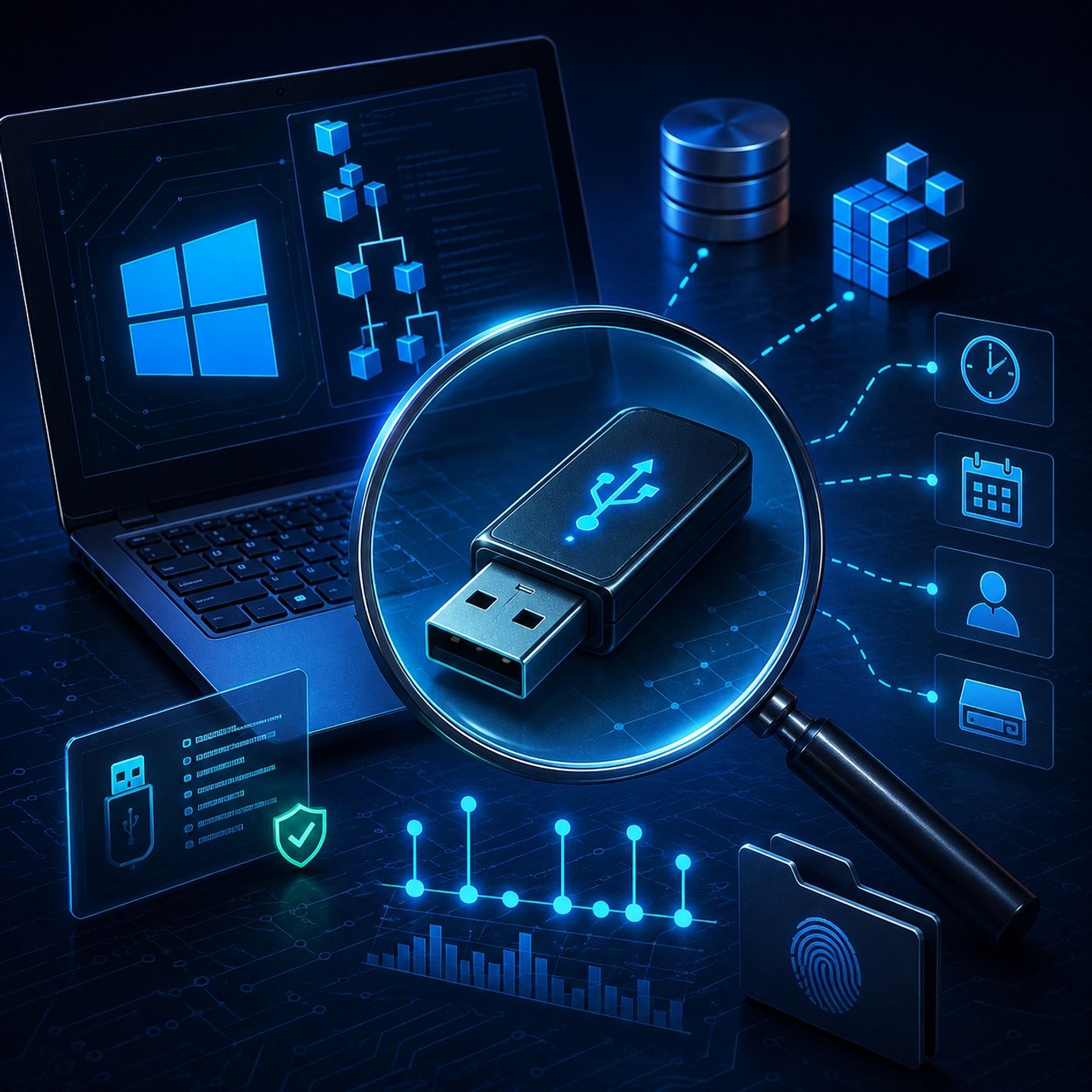
Course 36 - Windows Forensics and Tools | Episode 13: Decoding Registry Artifacts and Connection History
About this episode
This episode covers Windows USB forensics, focusing on how external device activity is tracked through the Windows Registry.
In this lesson, you’ll learn about: Windows USB forensics and how external device activity is tracked through the Windows Registry1. What Is Windows USB Forensics?USB forensics focuses on identifying and analyzing traces left by: USB flash drives External hard drives Digital cameras and mobile storage devices 🔹 Key Idea Even after a device is unplugged or removed, Windows keeps permanent evidence of its connection.2. Why USB Devices Leave Forensic EvidenceWhen a USB device is connected, Windows automatically: Logs device identity Stores serial numbers Records connection history Links devices to specific users 🔹 Forensic Value This allows investigators to reconstruct: Who used the device When it was connected What machine it was connected to 3. USBSTOR Registry Key (Device Identity Tracking)🔹 What it is A registry location that stores details of USB storage devices🔹 What it records Vendor name (e.g., SanDisk, Kingston) Product model Unique serial number 👉 Key Insight This is the digital fingerprint of every USB device ever connected4. MountedDevices Key (Drive Letter Mapping)🔹 What it is Links physical USB devices to assigned drive letters (E:, F:, etc.)🔹 What it reveals…
More episodes of CyberCode Academy
- Course 36 - Windows Forensics and Tools | Episode 14: A Guide to Steganography and OpenStego
- Course 36 - Windows Forensics and Tools | Episode 12: A Forensic Guide to Windows User Artifacts
- Course 36 - Windows Forensics and Tools | Episode 11: Unlocking Hidden Metadata and Browser History
- Course 36 - Windows Forensics and Tools | Episode 10: Decoding Metadata and File Internals
- Course 36 - Windows Forensics and Tools | Episode 9: Uncovering Hidden Evidence
Explore listener stats, chart rankings, contacts and more on the CyberCode Academy podcast page.