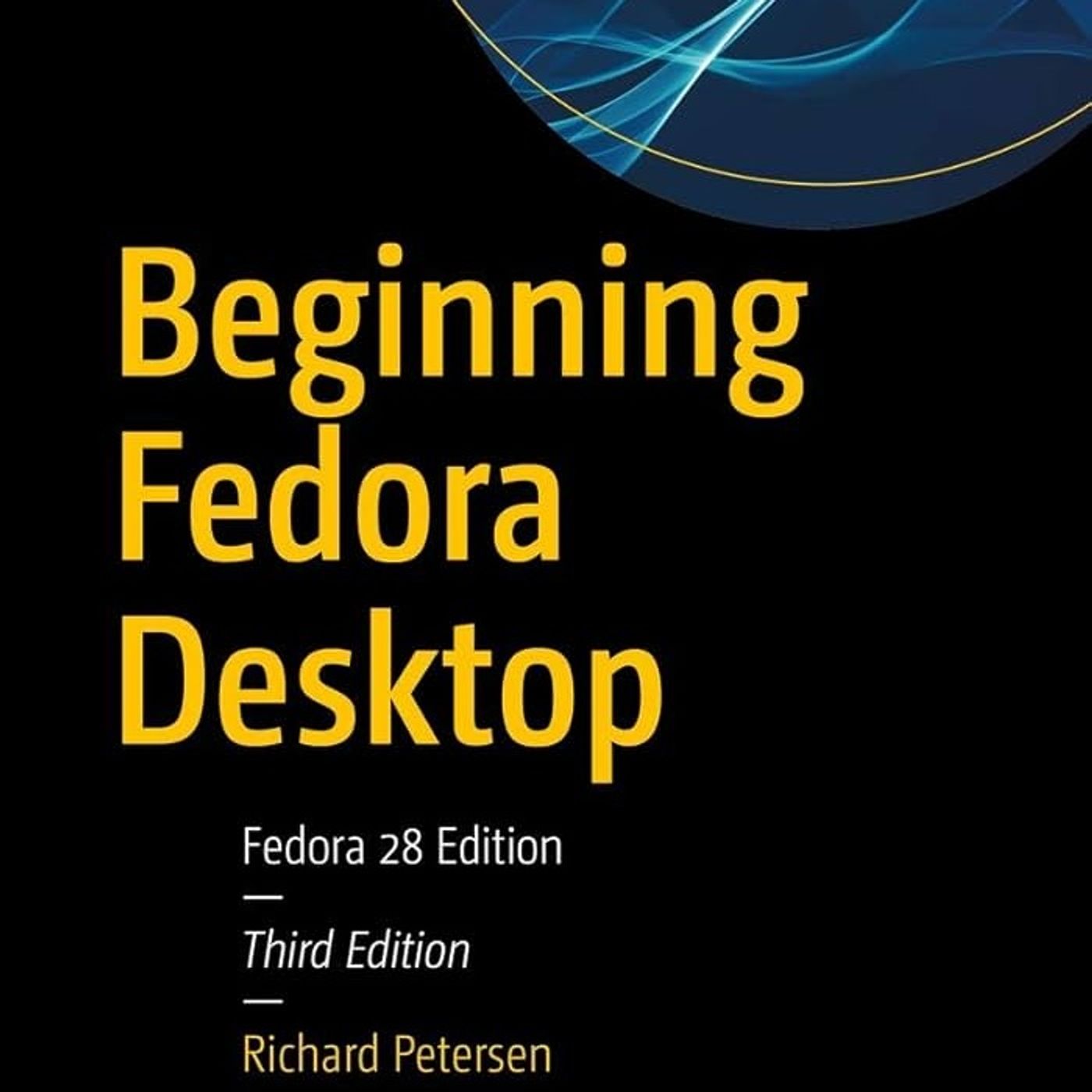
Beginning Fedora Desktop: Fedora
About this episode
This episode provides a comprehensive guide to installing and managing the Fedora 28 Linux operating system.
A comprehensive technical guide for the Fedora 28 Linux operating system, authored by Richard Petersen. It details the installation process, from creating Live USB media to managing disk partitions and finishing the initial setup. Beyond installation, the text outlines the diverse desktop environments available, specifically highlighting GNOME and KDE Plasma. The sources also catalog essential software applications, including office suites, multimedia tools, and internet browsers. Furthermore, the manual addresses system administration tasks such as network configuration, software repository management, and security settings. Overall, these excerpts offer a structured roadmap for users to effectively deploy and navigate the Fedora ecosystem. You can listen and download our episodes for free on more than 10 different platforms: https://linktr.ee/cyber_security_summary Get the Book now from Amazon: https://www.amazon.com/Beginning-Fedora-Desktop-28/dp/1484238818?&linkCode=ll2&tag=cvthunderx-20&linkId=d2d1bbf4559ab4daf753ffd8b00841e6&language=en_US&ref_=as_li_ss_tl Discover our free courses in tech and cybersecurity, Start learning today…
People in this episode
Host: CyberSecurity Summary
Topics covered
- Linux
- Fedora
- Desktop environments
- System administration
- Software applications
Keywords
- Fedora
- Linux
- installation
- GNOME
- KDE Plasma
- system administration
- software applications
Mentioned in this episode
Organizations: Fedora, Amazon
Products: Fedora 28 Linux operating system
Books & works: Beginning Fedora Desktop
More episodes of CyberSecurity Summary
Explore listener stats, chart rankings, contacts and more on the CyberSecurity Summary podcast page.