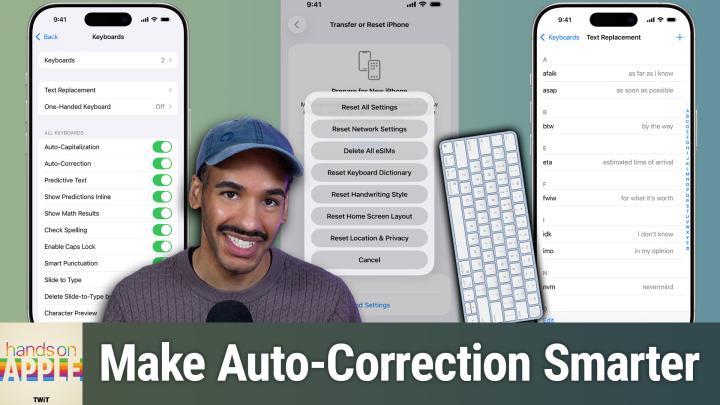
HOA 225: Wrangling Auto-Correct
About this episode
This episode discusses how to improve Apple's auto-correct feature through various tips and settings.
Tired of autocorrect sabotaging your texts? This episode shows how small changes like persistent rejection and custom text replacements can actually make Apple's keyboard work for you. Why auto-correct fails and how Apple devices handle corrections Auto-correct's evolution with iOS 17 and transformer language models How auto-correct learns and why personalized dictionaries matter Key steps to retrain auto-correct for smarter suggestions Resetting your keyboard dictionary: the nuclear option explained iOS and macOS keyboard settings: making auto-correct work for you Auto-correct's pain points: bilingual typing, jargon, and missing features Text replacement: the ultimate hack for tricky words and shortcuts Top text replacement use cases for emails, addresses, and custom phrases Practical tips to tame auto-correct and improve your typing flow Missing features Apple still hasn't addressed in auto-correct Host: Mikah Sargent Download or subscribe to Hands-On Apple at https://twit.tv/shows/hands-on-apple Want access to the ad-free audio and video and exclusive features? Become a member of Club TWiT today! https://twit.tv/clubtwit Club TWiT members can discuss this episode and leave…
More episodes of Hands-On Apple (Audio)
- HOA 228: Focus Modes Pt. 3
- HOA 227: Focus Modes Pt. 2
- HOA 226: Focus Modes Pt. 1
- HOA 224: Passwords App: Shared Groups & Limitations
- HOA 223: Level Up Your Passwords Security
- HOA 222: Meet the Passwords App
Explore listener stats, chart rankings, contacts and more on the Hands-On Apple (Audio) podcast page.