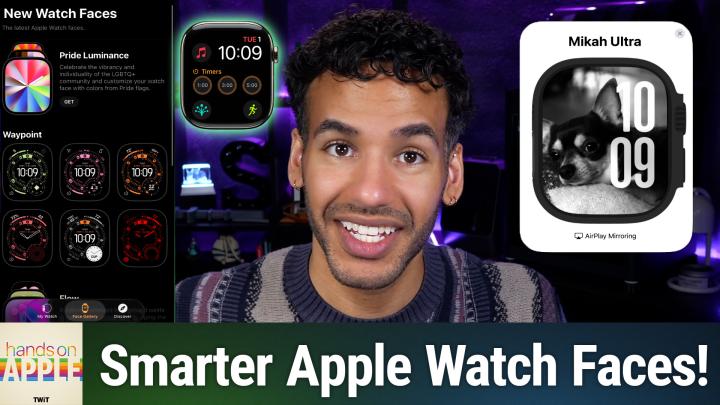
HOA 233: Apple Watch Customization
About this episode
This episode discusses how to customize Apple Watch faces to enhance productivity and streamline routines.
Most Apple Watch users never bother to customize the screen they check dozens of times a day. This episode shows how a quick face makeover can actually streamline your routines and keep you focused. Customizing Apple Watch faces using the Watch app on iPhone How to switch and organize Apple Watch faces Restoring swipe-to-switch watch face option in settings Editing and reordering watch faces in the Watch app Complications turn watch faces from decorative to functional Building a rotation of faces for different activities or moods Syncing watch faces to Focus Modes for dynamic switching Sharing custom watch faces with friends New watch faces in watchOS 26 Smart Stack as a complement to complications on Apple Watch Host: Mikah Sargent Download or subscribe to Hands-On Apple at https://twit.tv/shows/hands-on-apple Want access to the ad-free audio and video and exclusive features? Become a member of Club TWiT today! https://twit.tv/clubtwit Club TWiT members can discuss this episode and leave feedback in the Club TWiT Discord . Sponsor: threatlocker.com/twit
Sponsors
ThreatLocker
More episodes of Hands-On Apple (Audio)
- HOA 235: Translate App
- HOA 234: Changing Your Default Search Engine
- HOA 232: Activity Monitor
- HOA 231: Using Playlist Playground
Explore listener stats, chart rankings, contacts and more on the Hands-On Apple (Audio) podcast page.