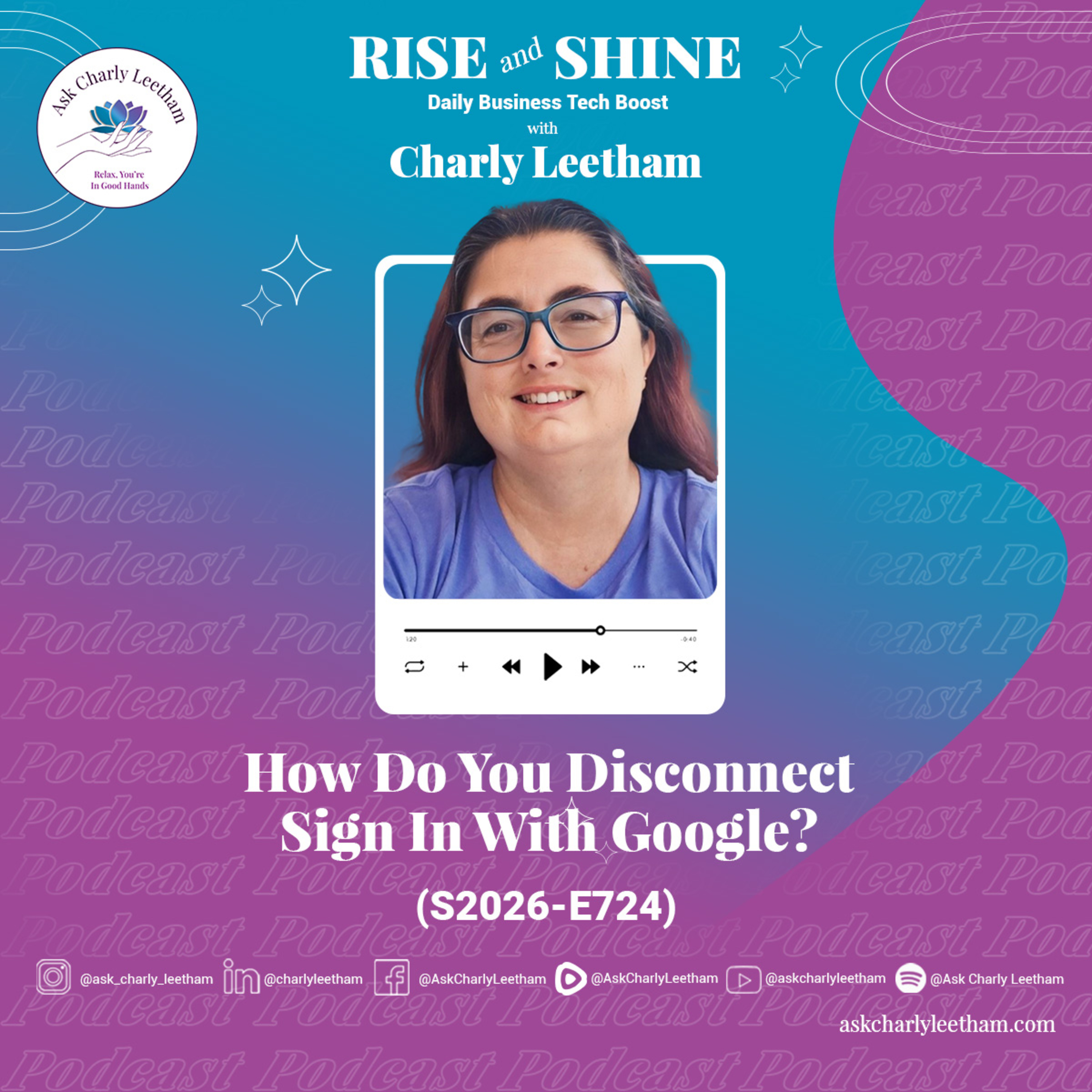
How Do You Disconnect Sign In With Google? (2026/724)
About this episode
This episode provides a step-by-step guide on how to disconnect accounts linked to Sign in with Google.
Ever wondered which accounts you're using Sign in with Google with, and how to disconnect them? Following on from Monday's episode about whether you really want to use Sign in with Google as an option, today's walkthrough shows you how to find and unlink those accounts. In this episode, Charly covers: ✅ How to find every account linked to your Google login at myaccount.google.com ➡️ Using the Linked Apps menu to see which accounts use Sign in with Google ⚡ A practical Pinterest demonstration, from settings through to security ⭐ Why your linked email address might differ from the one you sign in with ❗ Checking your password and email access before you disconnect ✨ Setting an alternate login so you keep access if your Google account is lost It doesn't need to be difficult. You just follow the process one step at a time. Book a Free 30 minute Breakthrough Session: https://askcharlyleetham.com/book-me (1 per person only) *** Follow us: Locals: https://askcharlyleetham.locals.com Rumble: https://rumble.com/askcharlyleetham Odyssey: https://odysee.com/@askcharlyleetham:4 YouTube: https://youtube.com/askcharlyleetham Facebook: https://www.facebook.com/askcharlyleetham Twitter…
More episodes of Rise and Shine: Your Daily Dose Of Business Tech Inspiration
- What Is QR Code Phishing And Can It Bypass MFA? (2026/728)
- Do You Know How To Bulk Edit In WordPress? (2026/727)
- What Can We Learn From SiteGround’s AI Plugin? (2026/726)
- Meta’s AI Support Assistant - Allegedly a Security Risk? (2026/725)
- What Happens If Google Terminates Your Account Tomorrow? (2026/723)
- What Does France’s Digital ID Hack Mean For Your Business? (2026/722)
Explore listener stats, chart rankings, contacts and more on the Rise and Shine: Your Daily Dose Of Business Tech Inspiration podcast page.