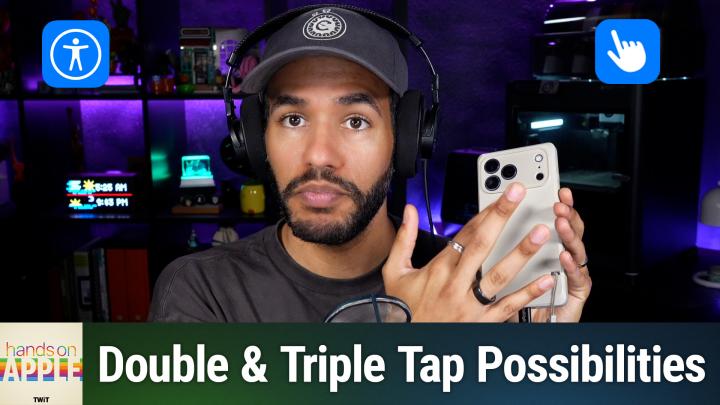
HOA 238: Using Back Tap on iPhone
About this episode
This episode explores the Back Tap feature on iPhone, detailing how to enable and use it for various quick actions.
Transform your iPhone interaction with a neat double-tap feature that most users have never noticed in the settings menu. Find out how to program the back of your phone for quick actions like taking a screenshot, launching your favorite app, or automating nighttime routines. Finding and enabling Back Tap in Accessibility settings Double tap and triple tap back actions explained How Back Tap uses sensors, not physical buttons Assigning system, accessibility, and device actions to Back Tap Using Back Tap to trigger shortcuts for custom automations Practical uses and avoiding accidental activations Host: Mikah Sargent Download or subscribe to Hands-On Apple at https://twit.tv/shows/hands-on-apple Want access to the ad-free audio and video and exclusive features? Become a member of Club TWiT today! https://twit.tv/clubtwit Club TWiT members can discuss this episode and leave feedback in the Club TWiT Discord . Sponsor: blackhat.com/us-26 and use code TWIT
Sponsors
blackhat.com
More episodes of Hands-On Apple (Audio)
- HOA 240: Feedback in the Apple Public Beta Program
- HOA 239: Photographic Styles
- HOA 237: StandBy Mode
- HOA 236: macOS Stickies
Explore listener stats, chart rankings, contacts and more on the Hands-On Apple (Audio) podcast page.