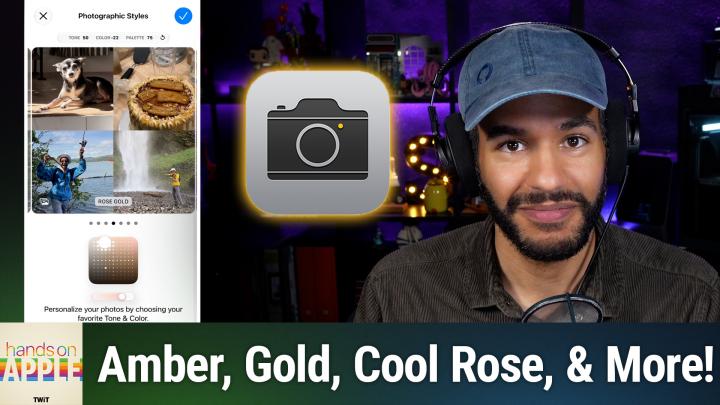
HOA 239: Photographic Styles
About this episode
This episode explores how Apple's photographic styles allow users to customize their iPhone photos with personalized looks.
Ever wish your iPhone could capture your photos with a look that actually feels like you? Learn how Apple's photographic styles hand you control over color, tone, and even skin tones, with no generic filters required. Differences in photographic styles between older and newer iPhones How to set up and select photographic styles in iOS settings Exploring and customizing style presets like amber, gold, and rose gold Using the control pad to fine-tune tone, color, and intensity Adjusting or resetting styles, plus limitations on older versus newer devices Saving and editing photo styles after capture on latest iPhones Host: Mikah Sargent Download or subscribe to Hands-On Apple at https://twit.tv/shows/hands-on-apple Want access to the ad-free audio and video and exclusive features? Become a member of Club TWiT today! https://twit.tv/clubtwit Club TWiT members can discuss this episode and leave feedback in the Club TWiT Discord . Sponsor: blackhat.com/us-26 and use code TWIT
Sponsors
blackhat.com
More episodes of Hands-On Apple (Audio)
- HOA 240: Feedback in the Apple Public Beta Program
- HOA 238: Using Back Tap on iPhone
- HOA 237: StandBy Mode
- HOA 236: macOS Stickies
Explore listener stats, chart rankings, contacts and more on the Hands-On Apple (Audio) podcast page.