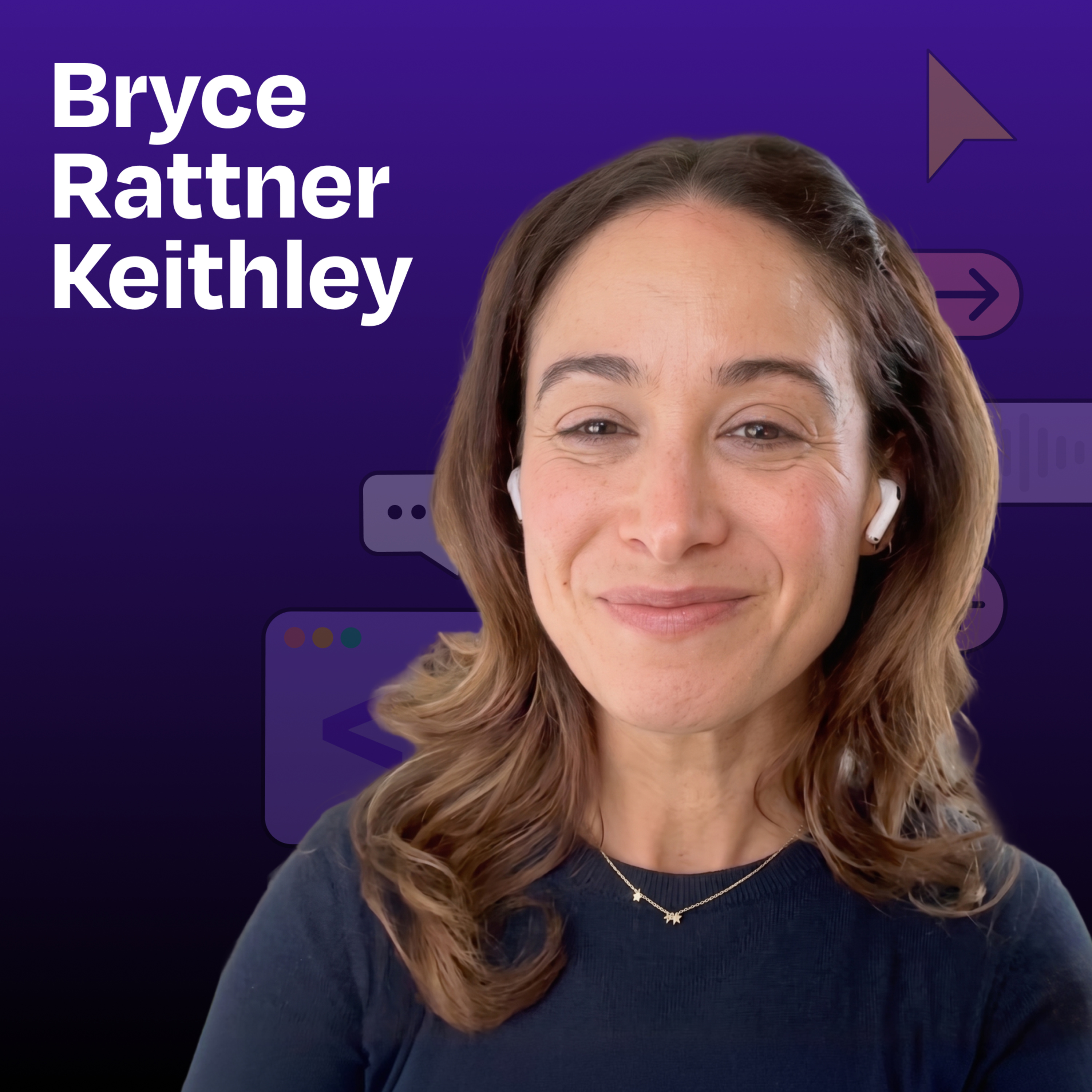
Building an iPhone app with zero technical skills | Bryce Rattner Keithley
About this episode
Bryce Rattner Keithley shares her journey of building a fitness app without any coding skills using AI tools.
Bryce Rattner Keithley has spent her career in talent and recruiting, working with technical leaders but never writing a line of code herself. Yet she managed to build Daily Hundred—a fitness app featuring custom AI-generated videos of anthropomorphic animals demonstrating exercises—and ship it to the App Store before her software engineer friends. Using Replit, Claude, Gemini, and a relentless beginner’s mindset, Bryce proves that in the AI era, execution is no longer the constraint on good ideas. What you’ll learn: How to build and ship an iPhone app using Replit without any coding knowledge The step-by-step process for creating custom AI-generated workout videos by combining Gemini images with real exercise footage How to use Claude as your technical architect and Claude Code as your software engineer How to navigate App Store submission requirements (including fixing rejection feedback) Why being hyper-literal in your prompts unlocks better AI results Why a beginner’s mind is actually an advantage when building with AI tools — Brought to you by: WorkOS —Make your app enterprise-ready today Metaview —The agentic recruiting platform for winning teams — In this episode, we…
People in this episode
Host: Claire Vo
Guest: Bryce Rattner Keithley
Topics covered
- iPhone app development
- AI tools
- no-code solutions
- fitness app
- beginner's mindset
- App Store submission
Keywords
- iPhone app
- AI-generated videos
- fitness
- no coding
- Replit
- App Store
- beginner's mindset
Sponsors
WorkOS, Metaview
Mentioned in this episode
Products: Daily Hundred, Replit, Claude, Gemini, Claude Code
More episodes of How I AI
- Gemini Omni: Clone yourself with AI in under 15 minutes
- Claude Opus 4.8 is here. Is it as good as they say?
- The Codex feature that works while you sleep
- How the engineer behind Claude Cowork actually uses Claude | Felix Rieseberg (Anthropic)
- What launched at Google I/O 2026 (30-minute day 1 recap)
- HTML is the new Markdown: How Anthropic engineers are building with Claude Code | Thariq Shihipar
Explore listener stats, chart rankings, contacts and more on the How I AI podcast page.