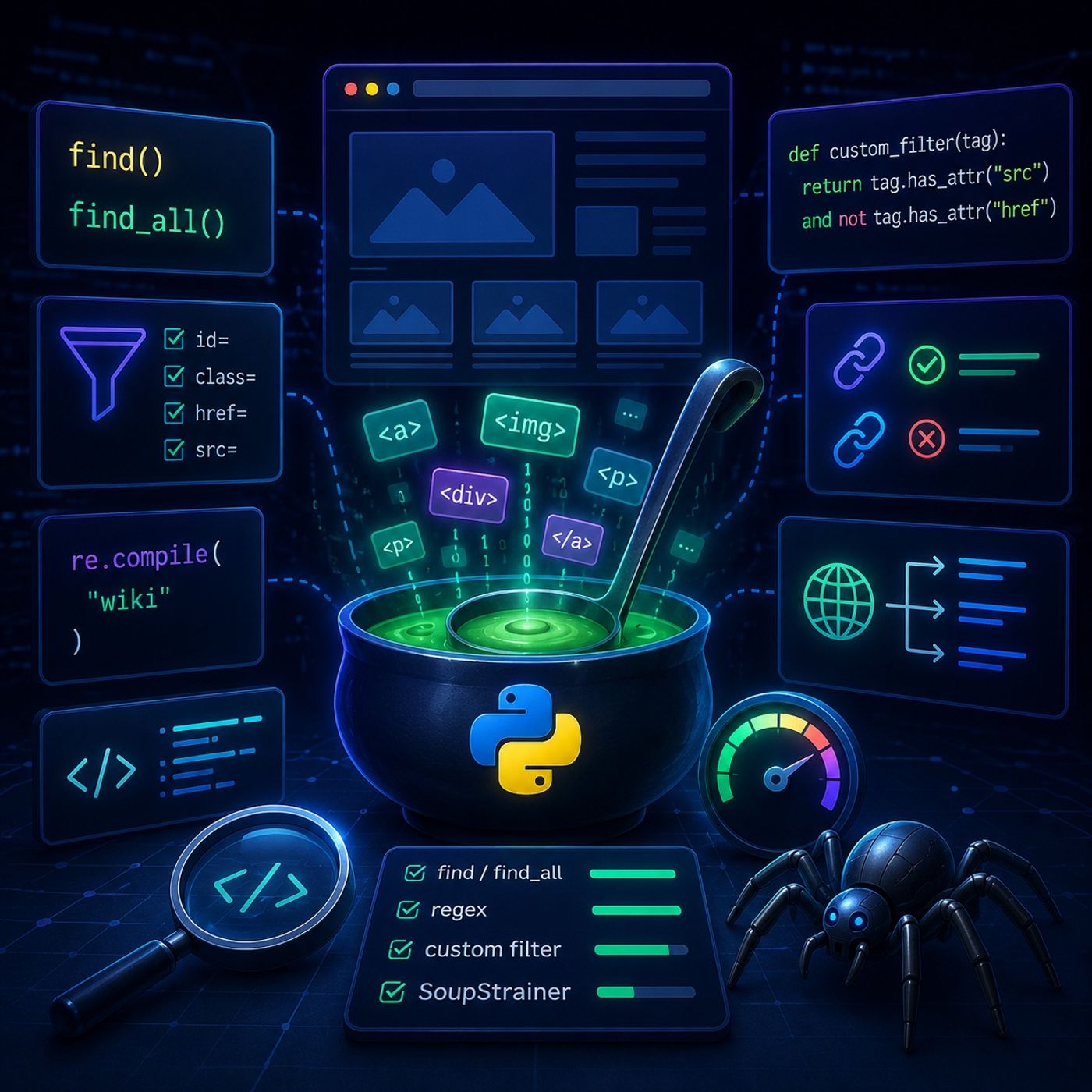
Course 40 - Web Scraping with Python | Episode 11: Advanced Filtering and Efficient Extraction with BeautifulSoup
About this episode
This episode covers advanced filtering techniques and efficient extraction methods using BeautifulSoup in Python for web scraping.
In this lesson, you’ll learn about: advanced BeautifulSoup filtering techniques, custom extraction logic, real-world link scraping, and performance optimization using SoupStrainer1. Core Extraction Tools: find vs find_all🔹 The Basic Building Blocks🔹 What They DoMethodPurposefind()Returns first matchfind_all()Returns all matches🔹 Basic Examplefrom bs4 import BeautifulSoup import requests html = requests.get("https://example.com").text soup = BeautifulSoup(html, "lxml") soup.find("p") soup.find_all("a") 2. Filtering Beyond Tags🔹 Attribute-Based Selectionsoup.find_all("img", src=True) soup.find_all("a", id="main-link") 👉 Key Insight You’re no longer just finding tags—you’re filtering structured conditions3. Using Regular Expressions for Precision🔹 Regex in BeautifulSoupUse Regular Expressions for advanced filtering:import re soup.find_all("a", href=re.compile("wiki")) 🔹 What This Enables Match patterns in URLs Filter partial text Detect structured formats 4. Custom Filtering Functions (Advanced Logic)🔹 When Built-ins Aren’t Enoughdef custom_filter(tag): return tag.has_attr("src") and not tag.has_attr("href") soup.find_all(custom_filter) 🔹 Real Use Cases Images without links…
More episodes of CyberCode Academy
- Course 40 - Web Scraping with Python | Episode 10: Navigating and Extracting Web Data with Beautiful Soup
- Course 40 - Web Scraping with Python | Episode 9: Navigating Requests, Redirects, and Timeouts
- Course 40 - Web Scraping with Python | Episode 8: Mastering HTTP and Python Client Libraries
- Course 40 - Web Scraping with Python | Episode 7: Overcoming the JavaScript Challenge
- Course 40 - Web Scraping with Python | Episode 6: From Scrapy Framework Foundations to Professional Spiders
- Course 40 - Web Scraping with Python | Episode 5: From Environment Setup to Pandas DataFrames
Explore listener stats, chart rankings, contacts and more on the CyberCode Academy podcast page.