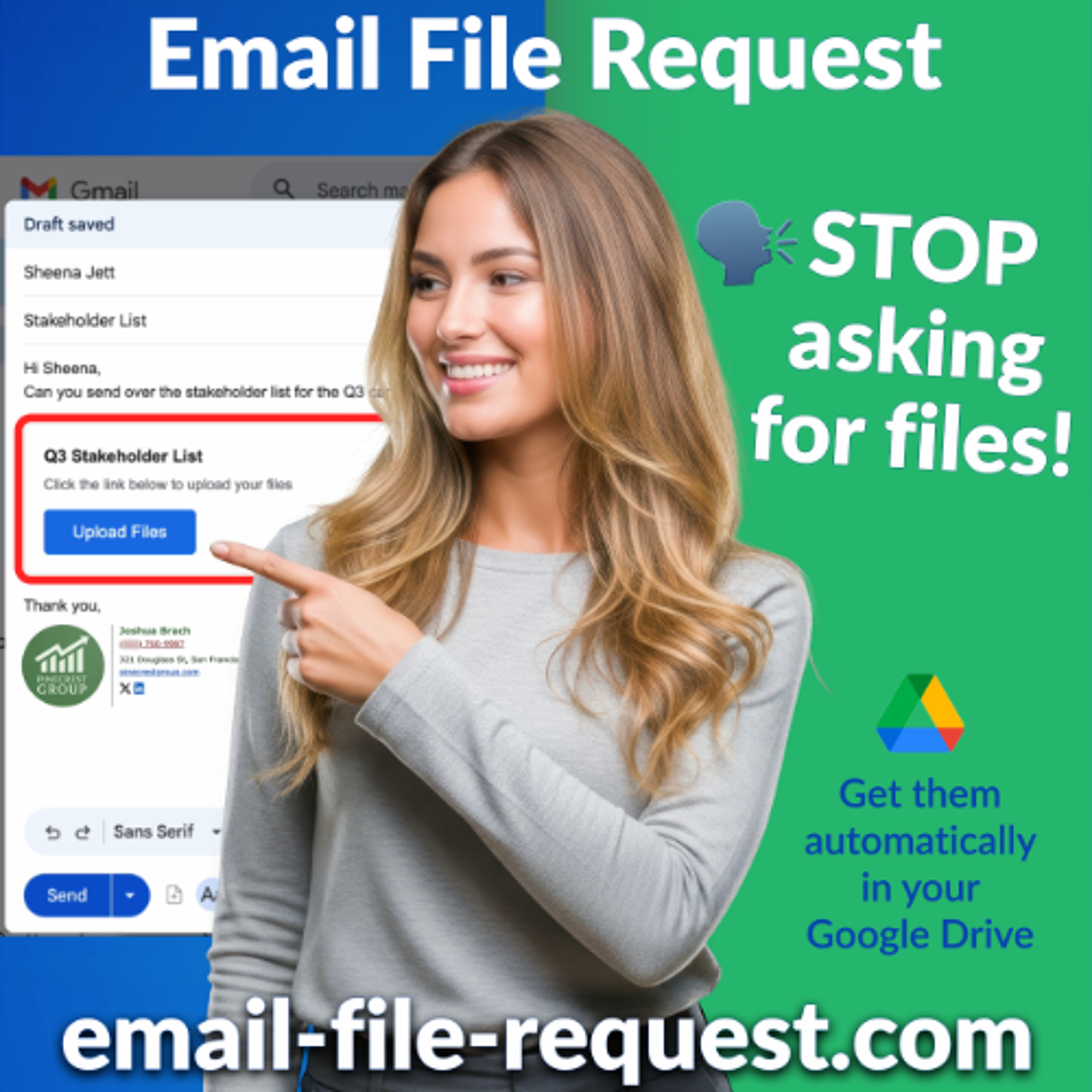
Google Drive Upload File Share Link: How To Request Files
From cloudHQ by cloudHQ
April 28, 2026 · 3 min
About this episode
This episode explains how to create a Google Drive upload file share link directly from Gmail for easy file collection.
Create a Google Drive upload file share link right from Gmail. Recipients click, upload, and files land in your chosen folder. They don't even need a Google account to upload. Read more: https://blog.cloudhq.net/google-drive-upload-file-share-link-how-to-request-files or get started: https://www.email-file-request.com
People in this episode
Host: cloudHQ
Topics covered
- Google Drive
- file sharing
- Gmail integration
- file upload
- cloud storage
Keywords
- Google Drive
- file share link
- upload files
- Gmail
- cloud storage
Mentioned in this episode
Organizations: Google Drive, Gmail, cloudHQ
More episodes of cloudHQ
- Happy Father's Day Quotes, Messages, and Wishes to Send by Email [Free eCards] · June 12, 2026 · 3 min
- How to Password Protect a PDF, Excel File, Word Document, or Any Google Drive File · June 5, 2026 · 3 min
- How to Redact a PDF with AI and Batch Redact Multiple PDFs · May 22, 2026 · 11 min
- How to Convert Word, JPG, and Any File to PDF in One Click · May 11, 2026 · 10 min
- Happy Mother’s Day Wishes and Greetings You Can Send by Email [Free eCards] · May 9, 2026 · 3 min
- Mother's Day Email Signature: 5 Examples for Business [Free Templates] · May 6, 2026 · 3 min
Explore listener stats, chart rankings, contacts and more on the cloudHQ podcast page.