How to Export Patterns from Photoshop for Scale (Sizes) for Spoonflower
From Creatives Ignite by diane gibbs
February 24, 2026 · 14 min
About this episode
Diane Gibbs shares her process for exporting scaled patterns from Photoshop for use on Spoonflower.
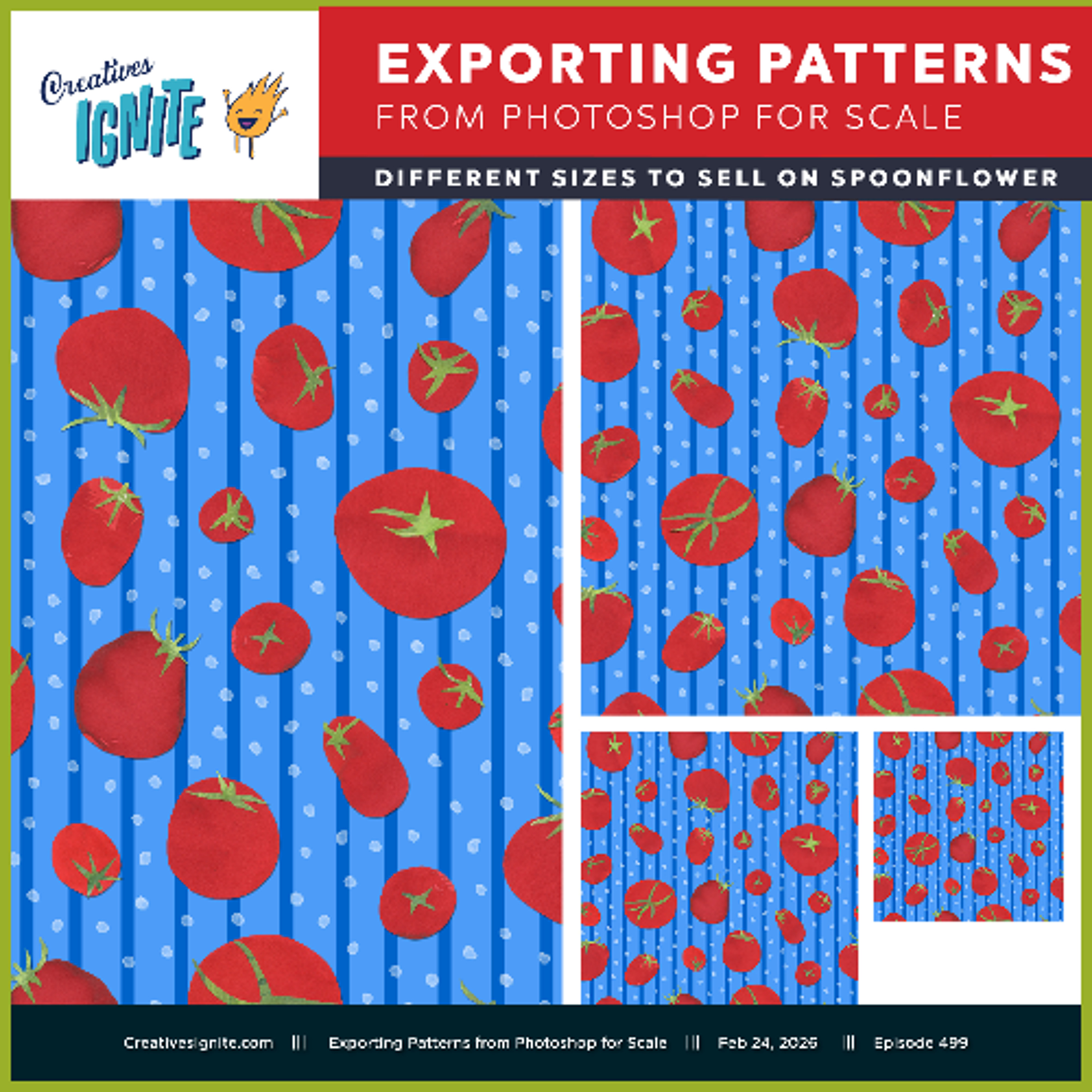
This video shows you my process for making different scaled versions (sizes) of the pattern I created in Photoshop. The reason we do this is if someone is wanting it to be wallpaper they might want a bigger tomato. But if they are using it on a small bag or a pocket of an apron they want the tomatoes (the original repeating pattern tile) to be smaller. I know when I am sewing the little bags I have been making, The smallest patterns I had uploaded to Spoonflower were still larger than I wanted. This past December I uploaded some smaller sizes of my favorite patterns so I can make more bags using these smaller print sizes. Spoonflower had a 40% off fat quarters this past weekend and I bought a bunch of my new smaller sizes because a fat quarter is enough fabric for me to make a few of the little bags I am making. Tomato Pattern available for fabric or wallpaper purchase at: https://www.spoonflower.com/en/fabric/21554274-farmer-s-market-tomatoes-on-summer-s-day-1800-l-by-dianegibbs?sku=fbty-pf-yd-f130 See whole collection: https://www.spoonflower.com/en/collections/1463964 Sign up here to get the episode link delivered to your inbox. https://creativesignite.com/signup Creatives…
People in this episode
Host: diane gibbs
Topics covered
- Photoshop
- pattern design
- fabric printing
- Spoonflower
- creative business
Keywords
- Photoshop
- patterns
- Spoonflower
- fabric
- design
Mentioned in this episode
Organizations: Spoonflower
Products: Tomato Pattern
Explore listener stats, chart rankings, contacts and more on the Creatives Ignite podcast page.