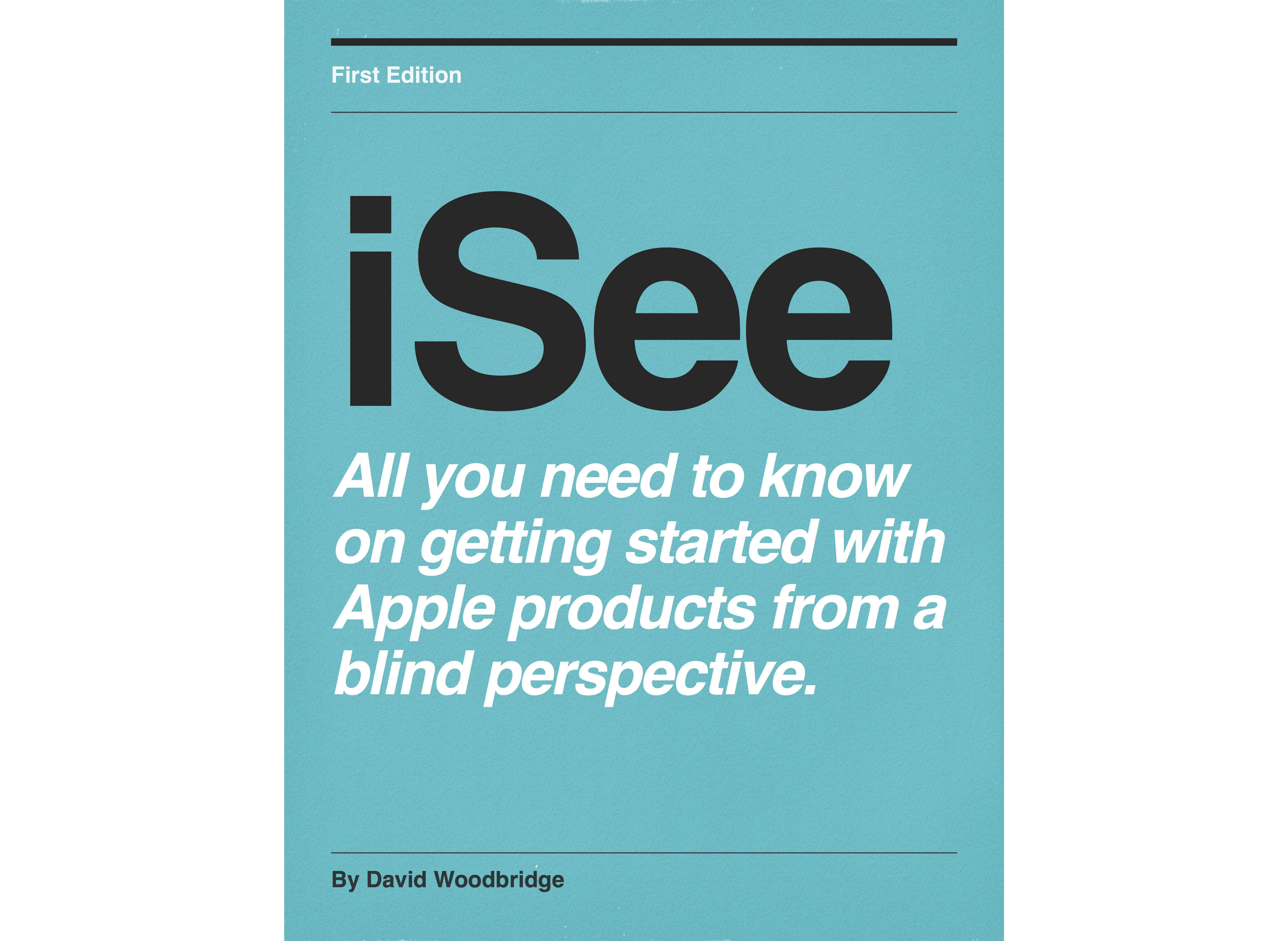
iSee - Using various technologies from a blind persons perspective.
by David Woodbridge
Is this your podcast?Insights from recent episode analysis
Audience Interest
Podcast Focus
Publishing Consistency
Platform Reach
Insights are generated by CastFox AI using publicly available data, episode content, and proprietary models.
Most discussed topics
Brands & references
Est. Listeners
Insufficient chart data. Estimates will improve as the show charts.
- Per-Episode Audience
Est. listeners per new episode within ~30 days
N/A🎙 ~2x weekly·50 episodes·Last published 5d ago - Monthly Reach
Unique listeners across all episodes (30 days)
N/A - Active Followers
Loyal subscribers who consistently listen
N/A
Market Insights
Platform Distribution
Reach across major podcast platforms, updated hourly
Total Followers
—
Total Plays
—
Total Reviews
—
* Data sourced directly from platform APIs and aggregated hourly across all major podcast directories.
On the show
From 15 epsHost
Recent guests
Recent episodes
What it is like using JAWS with the BrailleNote Evolve
Jun 22, 2026
38m 18s
Braille Note Evolve demo 5 - using Braille on the Braille Note Evolve
May 7, 2026
30m 22s
Braille Note Evolve demo 4 - a quick review of Quick Settings, and then handy KeySoft, NVDA, and Window commands
May 4, 2026
23m 18s
Braille Note Evolve demo 3 - how to get to the NVDA settings from the KS Main Menu and how to get back to the Main Menu if you pop in to Windows by accident
May 3, 2026
13m 43s
Braille Note Evolve demo 2 - KeySoft Main Menu Options, KeySoft Control Centre, and exiting KeySoft Main Menu
May 2, 2026
20m 50s
Social Links & Contact
Official channels & resources
Official Website
Login
RSS Feed
Login
Resolving iTunes ID\u2026 if this persists, the podcast may not be indexed on Apple Podcasts.
| Date | Episode | Topics | Guests | Brands | Places | Keywords | Sponsor | Length | |
|---|---|---|---|---|---|---|---|---|---|
| 6/22/26 | ![]() What it is like using JAWS with the BrailleNote Evolve | In other words, using JAWS on the Evolve is just like using JAWS on a Windows laptop with some things to be aware of: different way of doing numbers, function keys mainly. | 38m 18s | ||||||
| 5/7/26 | ![]() Braille Note Evolve demo 5 - using Braille on the Braille Note Evolve✨ | Braille technologyassistive technology+3 | — | Braille Note EvolveBraille Editor+1 | — | Braille Note EvolveBraille+3 | — | 30m 22s | |
| 5/4/26 | ![]() Braille Note Evolve demo 4 - a quick review of Quick Settings, and then handy KeySoft, NVDA, and Window commands✨ | Braille technologyKeySoft commands+3 | — | Braille Note EvolveKeySoft+2 | — | Braille Note EvolveKeySoft+3 | — | 23m 18s | |
| 5/3/26 | ![]() Braille Note Evolve demo 3 - how to get to the NVDA settings from the KS Main Menu and how to get back to the Main Menu if you pop in to Windows by accident✨ | Braille technologyscreen readers+4 | — | Braille Note EvolveNVDA+2 | — | Braille Note EvolveNVDA+4 | — | 13m 43s | |
| 5/2/26 | ![]() Braille Note Evolve demo 2 - KeySoft Main Menu Options, KeySoft Control Centre, and exiting KeySoft Main Menu✨ | Braille technologyKeySoft features+3 | — | Braille Note EvolveKeySoft+1 | — | Braille Note EvolveKeySoft+3 | — | 20m 50s | |
| 5/1/26 | ![]() Braille Note Evolve demo 1 - description, starting up, entering pin number to login, main menu, and shutting down.✨ | Braille technologyaccessibility+3 | — | Braille Note Evolve | — | Braille Note Evolvedemo+3 | — | 18m 39s | |
| 12/11/25 | ![]() A physical description of the Braille Note Evolve✨ | Braille technologyassistive devices+3 | — | Braille Note EvolveWindows 11 Pro | — | Braille Note EvolveWindows 11 Pro+3 | — | 6m 37s | |
| 11/2/25 | ![]() Tip demo of running two Humanware/APH Braille displays at the same time for training, demoing etc✨ | Braille displaystechnology training+3 | — | Mantis Q40BI20X+3 | — | Braille displaysMantis Q40+5 | — | 7m 46s | |
| 10/2/25 | ![]() Using Braille Access via Voiceover on the Mac, continuation of last podcast re Braille Access on iOS with VoiceOver✨ | Braille AccessVoiceOver+4 | — | VoiceOverBraille Access+2 | — | Braille AccessVoiceOver+5 | — | 15m 32s | |
| 9/30/25 | ![]() The incredible Braille Access function in iOS and Mac 26 that turns your Braille display with a keyboard in to a Braille Note Taker✨ | Braille technologyiOS features+3 | — | iPhoneiPad+5 | — | Braille AccessiOS+5 | — | 37m 38s | |
Want analysis for the episodes below?Free for Pro Submit a request, we'll have your selected episodes analyzed within an hour. Free, at no cost to you, for Pro users. | |||||||||
| 9/7/25 | ![]() How to listen to the 6 Apple Music radio stations on your Victor Reader Stream 3 using TuneIn Radio✨ | Apple MusicVictor Reader Stream 3+3 | — | Victor Reader Stream 3Apple Music+1 | — | Apple MusicVictor Reader Stream 3+3 | — | 4m 26s | |
| 9/5/25 | ![]() Tip demo on how to adjust the dot firmness on the Brailliant BI40X Braille display✨ | Braille technologyaccessibility+3 | — | Brailliant BI40X Braille display | — | Brailliant BI40XBraille display+3 | — | 3m 06s | |
| 9/2/25 | ![]() Taster demo of using Brailiant BI40X Braille display with VoiceOver on the Mac✨ | Braille technologyVoiceOver+3 | — | Brailiant BI40XVoiceOver+1 | — | Brailiant BI40XVoiceOver+5 | — | 11m 42s | |
| 8/31/25 | ![]() 15 tips for getting the most out of your Monarch: batch one (more tocome).✨ | Braille technologyMonarch tips+3 | — | Monarch | — | Braille cursorsystem cursor+3 | — | 9m 19s | |
| 6/2/25 | ![]() Simplifying tactile images with TactileView✨ | tactile graphicsTactileView+3 | AndrewPeter | TactileViewHumanWare | — | tactile imagesTactileView+5 | — | 54m 25s | |
| 5/27/25 | ![]() WWW or Talking Tech for May 27 2025✨ | Braille technologyassistive technology+3 | — | smart Braille displayBraille Note taker+2 | Melbourne | Braille displayBraille Note taker+3 | — | 32m 45s | |
| 5/20/25 | ![]() Tripple W or Talking Tech for May 20 2025 | Plaud AI Pin If you have ever felt a FitBit, this is the size of the Plaud AI pin. As I said in the episode, app mainly works ok, device is ok to use. https://www.amazon.com.au/PLAUD-Notetaker-Transcribe-Summarize-Languages/dp/B0DZWQ9WWJ/ref=sxin_15_sbv_search_btf?content-id=amzn1.sym.e97d0f60-983b-4a36-b35e-ccbffb80a35f%3Aamzn1.sym.e97d0f60-983b-4a36-b35e-ccbffb80a35f&crid=160HN41YPT0FW&cv_ct_cx=plaid%2Bai%2Bpin&keywords=plaid%2Bai%2Bpin&pd_rd_i=B0DZWQ9WWJ&pd_rd_r=3ce26411-cd20-43ec-b14c-f98f6112cdf7&pd_rd_w=CexLI&pd_rd_wg=9vz75&pf_rd_p=e97d0f60-983b-4a36-b35e-ccbffb80a35f&pf_rd_r=CW43KGFNDR5JNMXD0C4K&qid=1747716672&sbo=RZvfv%2F%2FHxDF%2BO5021pAnSA%3D%3D&sprefix=plaud%2Bai%2Bpin%2Caps%2C260&sr=1-1-0a53d72a-e58c-4324-b739-134d51de9f78&th=1 The Speaker I talked About for $13 Au Small speaker that did USB, 3.5, and Bt plus had FM radio. Volume was good, FM good, connectivity via Bluetooth poor, and making sure it was charged was almost useless via the micro USB. Attracted me because of the FM chip and the volume was great. If you search for Bt speaker with UsB, 3.5, and FM radio that is really really cheap at $13 that will probably be it. Ray Ban Meta Glasses on the Vision Store As I said in the episode, lots of places to purchase this, not NDIS funded, main demos probably at major VA sites, and two corrections to VA Store promo: you can hear the audio from the glasses via the person next to you, and its not a good idea to Bt connect them to any thing else as you will have issues reconnecting them to your phone again with the Meta AI app. https://shop.visionaustralia.org Apple Accessibility Sneak Peak from GAAD 2025 Looks very interesting , especially the Braille Note taker, and using continuity iPhone camera as a portable VM on your Mac. API opening up for camera based assistive apps on the Vision Pro looks interesting as well, but quite happy with my Ray Bans. https://www.apple.com/au/newsroom/2025/05/apple-unveils-powerful-accessibility-features-coming-later-this-year/ As I sign Off this week Testing JAWS sneak build that works with the Monarch, Tactile View Beta tactile images with the Monarch, and Wing It app all demos coming from me in August when this should all be released fully. Of course, I will be doing demos when I get my hands on the development builds of IOS etc once WWDC is happening. Catch me on social media or davidwoodbr@gmail.com | 22m 48s | ||||||
| 5/11/25 | ![]() WWW/Talking Tech for May 11 2025 - an early celebration for GAAD - talking all about NVDA. | Helpful links from today’s program on NvDA. Download the current stable version of NVDA at https://www.nvaccess.org/download/ We mentioned it a little bit, but we are currently in the Beta period for NVDA 2025.1. Some of the key updates in NVDA 2025.1 - NVDA Remote built in - Speech responsiveness and other features for, SAPI4, SAPI5, and OneCore - Improvements to add-on store auto updates - New commands to manually refresh ocr - Native selection in Chromium and Edge (Press NVDA+shift+F10 then copy as normal to copy text with formatting) - Default input & output braille tables based on language - Added a general setting to prevent the display turning off during say all or reading with braille. This option is enabled by default, but may result in increased battery depletion. - Braille works with say all config profiles Add-ons: Braille Extender, developed by André-Abush Clause and contributors https://github.com/aaclause/BrailleExtender Many features including Switching between displays or tables with shortcuts, and additional commands and support for a range of features. PC Keyboard Braille Input NVDA Spanish team (Available from the NVDA Add-on store) Type Braille using six keyboard keys as on a perkins Still on Braille, we published a lot of recent and upcoming features in a special edition of our In-Process blog back in October: https://www.nvaccess.org/post/in-process-23rd-october-2024/#datavalidation And you can subscribe to that blog, and to all our announcements, updates, releases etc, via email at: https://eepurl.com/iuVyjo Our training material is all available from our shop: https://www.nvaccess.org/shop/ We recommend starting with Basic Training for NVDA, which you can get as: - Electronic text (Word, Text, ePub and HTML formats) for $35: https://www.nvaccess.org/product/basic-training-for-nvda-ebook/ Human-read MP3 audio for $52: https://www.nvaccess.org/product/basic-training-for-nvda-downloadable-audio/ UEB Braille for $71: https://www.nvaccess.org/product/basic-training-for-nvda-braille-hard-copy/ Community links: NVDA user group: https://nvda.groups.io/g/nvda Add-ons group: https://nvda-addons.groups.io/g/nvda-addons/ NVDA Developer Guide: https://download.nvaccess.org/documentation/developerGuide.html Contact us: Web: https://www.nvaccess.org/ Email: Info@nvaccess.org Social Media - most of our users are on Fosstodon: https://fosstodon.org/@NVAccess | 24m 23s | ||||||
| 3/26/25 | ![]() Monarch Tactile Display V1.2 software update (webinar from HumanWare | In this webinar, Andrew and Peter from HumanWare discuss and demonstrate the latest enhancements to the Monarch software and a few other points including: the new Email app, Web browsing with Ecosia, eBraille version of Treasure Island, and a demo of the Wing It app to allow drawing on the Monarch tactile display from the iPhone. Contact monarch@humanware.com for more information, Andrew or Peter or myself in Australia David Woodbridge at HumanWare Australia. | 52m 52s | ||||||
| 2/27/25 | ![]() Demo of connecting via BT the Mantis Q40 to your Mac using VoiceOver | In this demo, I show you how simple it is to connect your Mantis Q40 QWERTY keyboard and Braille display device to your Mac. Enjoy Woody | 5m 51s | ||||||
| 2/17/25 | ![]() Demo on how to connect Brailliant BI 20 or 40 X to the Mac via BT using VoiceOver | Demo of how easy it is to connect your Brailliant BI20X or BI40X to your Mac using VoiceOver with Bluetooth. | 6m 27s | ||||||
| 2/16/25 | ![]() BrailleDoodle demo part 2 | In this demo, I talk about the importance of accessing the accessible QR code to learn how to use the BrailleDoodle fully, which then leads me on to my next point, and that is the amazing function of the BrailleDoodle where you can practice each character displayed on the back of the BrailleDoodle as well as having an example to work with for each character. Also, happy to say BrailleDoodle is now available from the Vision Australia Vision Store: https://shop.visionaustralia.org/brailledoodle.html Have fun. Woody | 9m 40s | ||||||
| 2/11/25 | ![]() Demo and Play with the BrailleDoodle | If you ever wanted a manual way (yes no battery or power required) to learn Braille, do some tactile drawing or even do some quick notes, then have a listen to this demo of the BrailleDoodle from the Touch Pro Fundation. Amazed what you can do, and don't forget there is a lot of info on the back of the BrailleDoodle, not just the front fun face. Enjoy. Woody | 19m 26s | ||||||
| 2/4/25 | ![]() Mantis Q40 must have carrying case | In this demo, I take you through the features of the Mantis Q40 leather case which gives you proper protection of the Mantis Q40 QWERTY keyboard, thumb keys, and the SD card slot. One of my must have cases. If you've spent over four thousand dollars in Australia on a device, then spending $180 is a great way to protect your investment. The case that comes with the Mantis Q40 doesn't offer any protection at all. It really just stops the device from slipping on a desk. Go to https://www.humanware.com to find out more or to order. Enjoy. Woody | 6m 51s | ||||||
| 1/30/25 | ![]() Using ChatGPT to create an image and then display it on the Monarch | In this demo, I show you how easy it is to crate an image file on the computer, and then have it displayed on the Monarch. | 7m 48s | ||||||
Showing 25 of 49
Pitch Fit is a Pro feature
See how bookable this show is for guests, which brands already advertise, the per-episode ad value, and the best-fit guest and sponsor profile. The numbers are blurred on the free plan.
How readily this show books outside guests like you.
How proven this show is for host-read sponsorships.
For Guests
ProFor Advertisers
ProUpgrade to Pro to unlock guest cadence, sponsor categories, fit scores, and per-episode ad value for this show.
