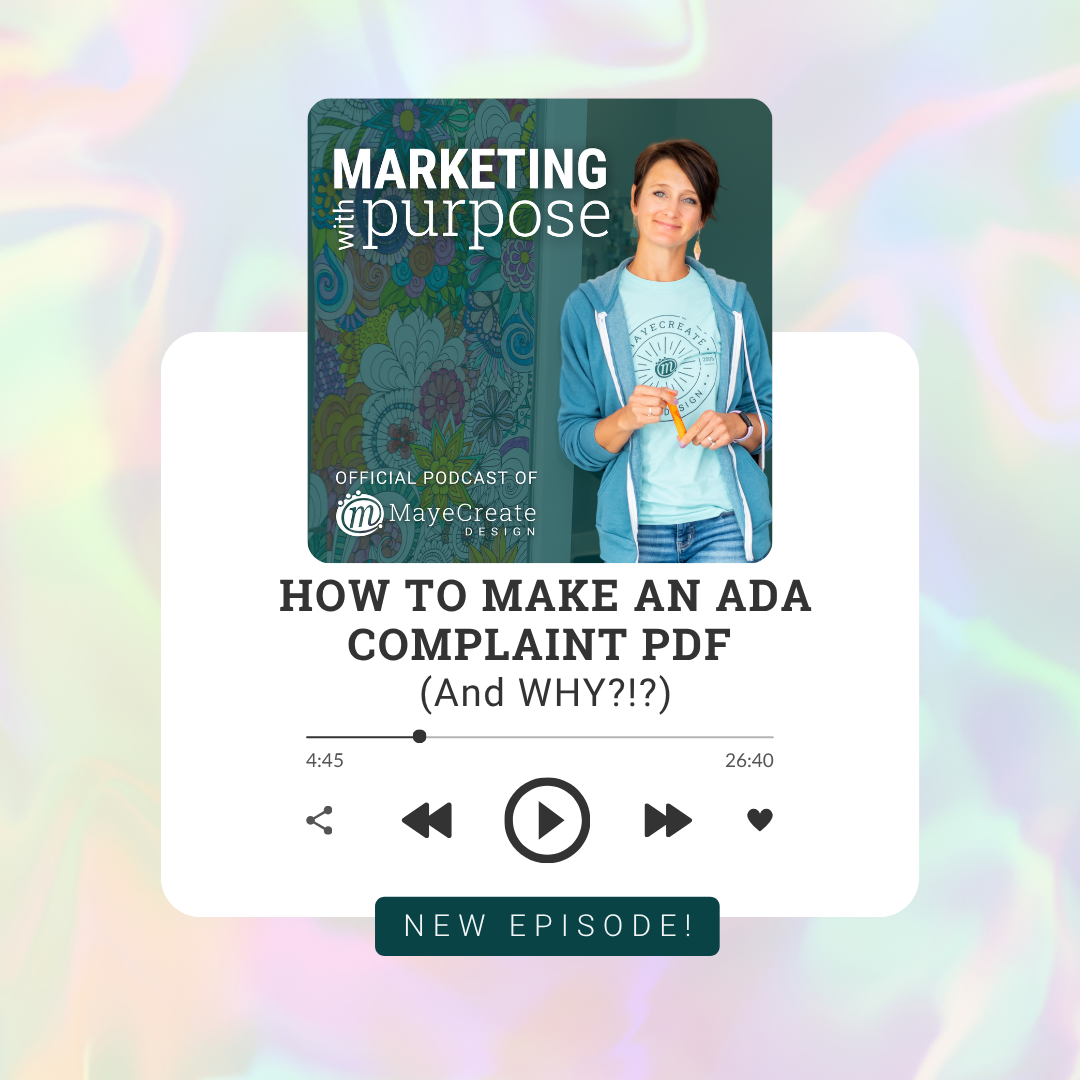
How to Make an ADA Complaint PDF (And WHY?!?)
From Marketing with Purpose by MayeCreate Design
October 24, 2025 · 27 min
About this episode
This episode provides an overview of how to create ADA compliant PDFs and linked documents following new compliance rules.
Since the DOJ rolled out new ADA website compliance rules in March of last year, we’re busy updating sites—and answering a lot of questions about what it all means. The one big sticking point in client conversations is linked documents. PDFs, Word files, slide decks—anything you link to is now considered part of your website. That means those documents must meet ADA accessibility standards too. Everyone’s asking the same thing: “How do we make those files compliant?”So the Account Service staff tasked Monica with putting together an overview podcast + written instructions + step-by-step video tutorials. (They’re nothing if not thorough!!) These resources, starting with this overview podcast episode explain how to: Create your documents with accessibility in mind. Export them as PDFs so they stay accessible. Check documents to be sure they’re good to go. The two additional tutorials walk you through the two most common setups—step by step, button by button: Microsoft Word users: Complete guide → Google Docs users: Google Docs + Grackle workflow → Our best advice: start with your next PDF, not your entire library. Future you will thank present you. ❤️ Read the fully formatted blog…
People in this episode
Host: Monica
Topics covered
- ADA compliance
- accessibility
- PDF creation
- document accessibility
- Microsoft Word
- Google Docs
Keywords
- accessibility standards
- document compliance
- step-by-step tutorials
Mentioned in this episode
Products: Word, Google Docs, Grackle, Microsoft Word
More episodes of Marketing with Purpose
- AI & Search: What It Actually Means for Your Website · April 21, 2026 · 33 min
- The Future of Online Ads with Guest RJ Hubert · April 10, 2026 · 50 min
- State of the Internet 2026 · March 13, 2026 · 1h 5m
- Tricks to Fix and STOP Website Spam · February 13, 2026 · 39 min
- How to tell your boss that part of your job sucks. · January 23, 2026 · 1h 9m
- Home Page Design Tips · December 12, 2025 · 32 min
Explore listener stats, chart rankings, contacts and more on the Marketing with Purpose podcast page.