How to build a podcast media list that behaves like a workspace.
A list in CastFox isn't a bookmark folder. It carries the combined analytics of every show inside it, updates as you add to it, exports as a CSV with host contacts, and can be pitched as one unit. This page shows the workflow a PR team uses to turn a client brief into a named campaign in about a minute.
Updated · Written by the CastFox team from the live product
Building a campaign list from search results
A search you don't save is work you'll do twice. On any results page, hit Build a list and every card gets a checkbox. Tick the ones worth your time, or Select all.
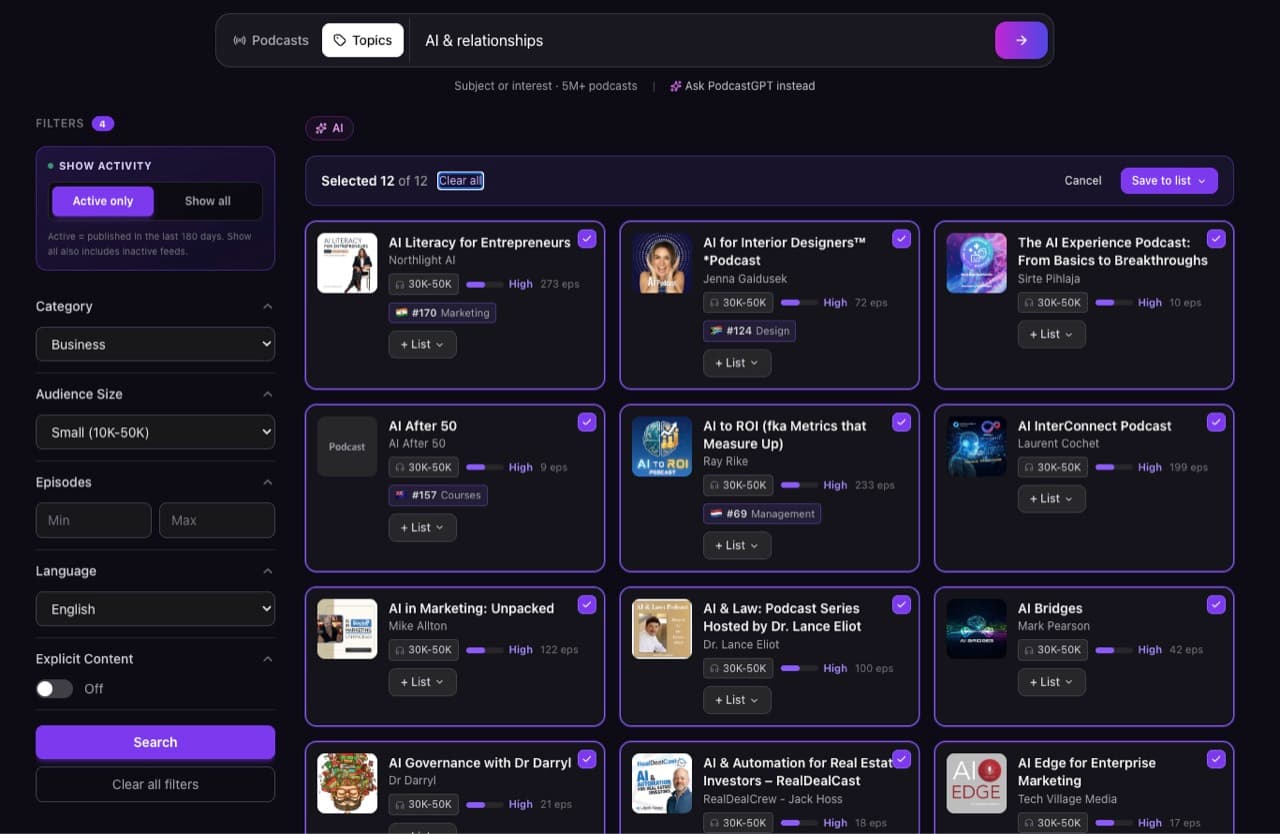
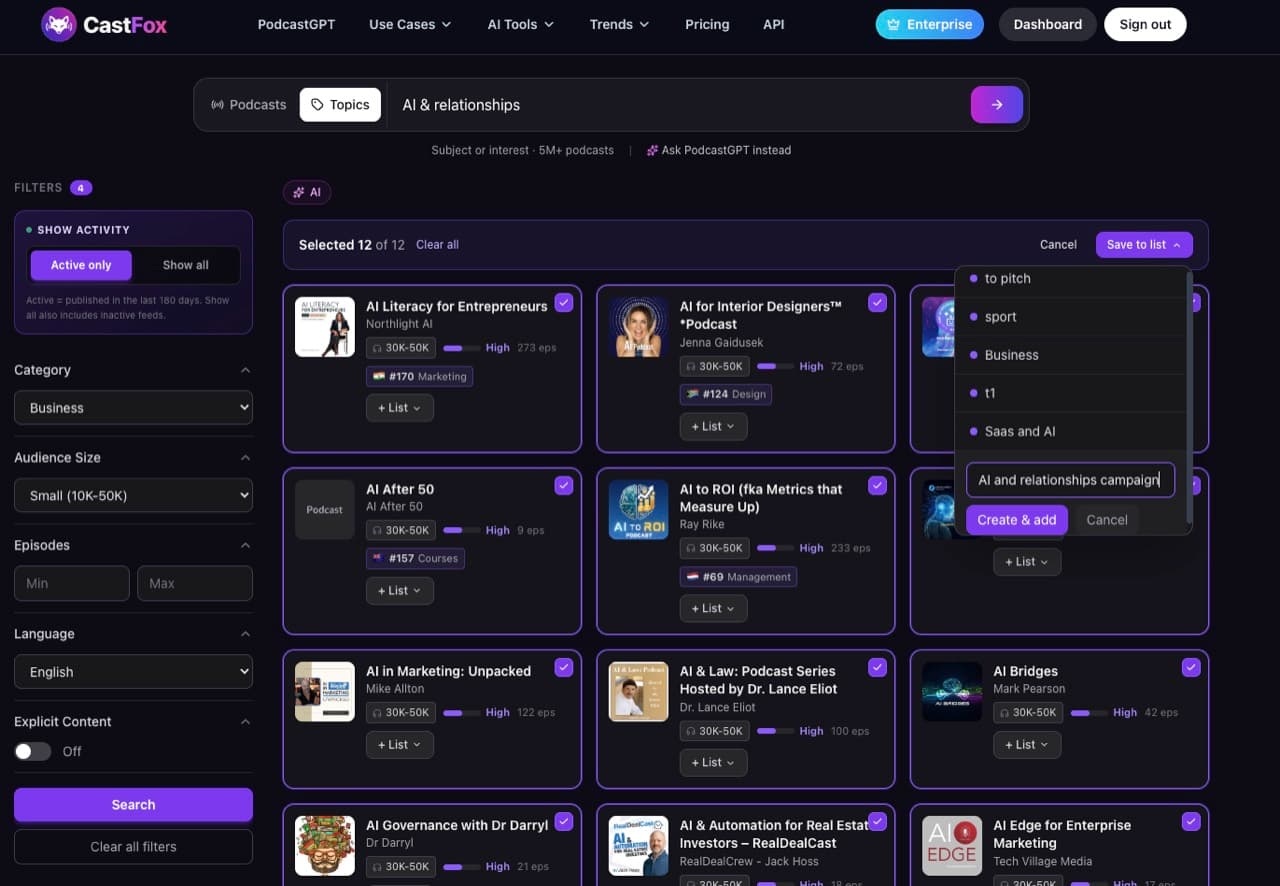
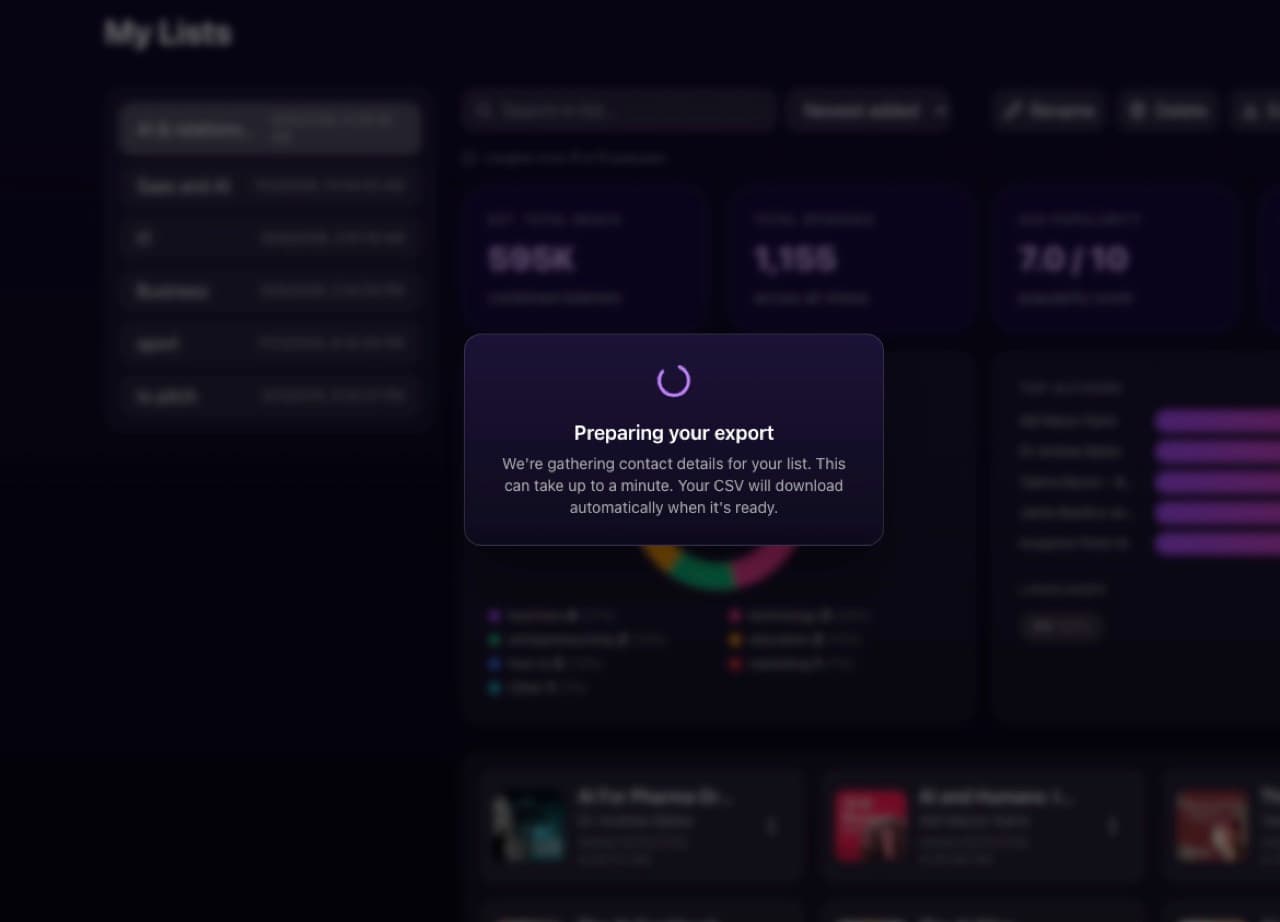
Save to list, and every campaign you're already running is right there. One client per list, or one campaign per list, however your agency thinks about it. Or start a new one, named after the client and the angle.
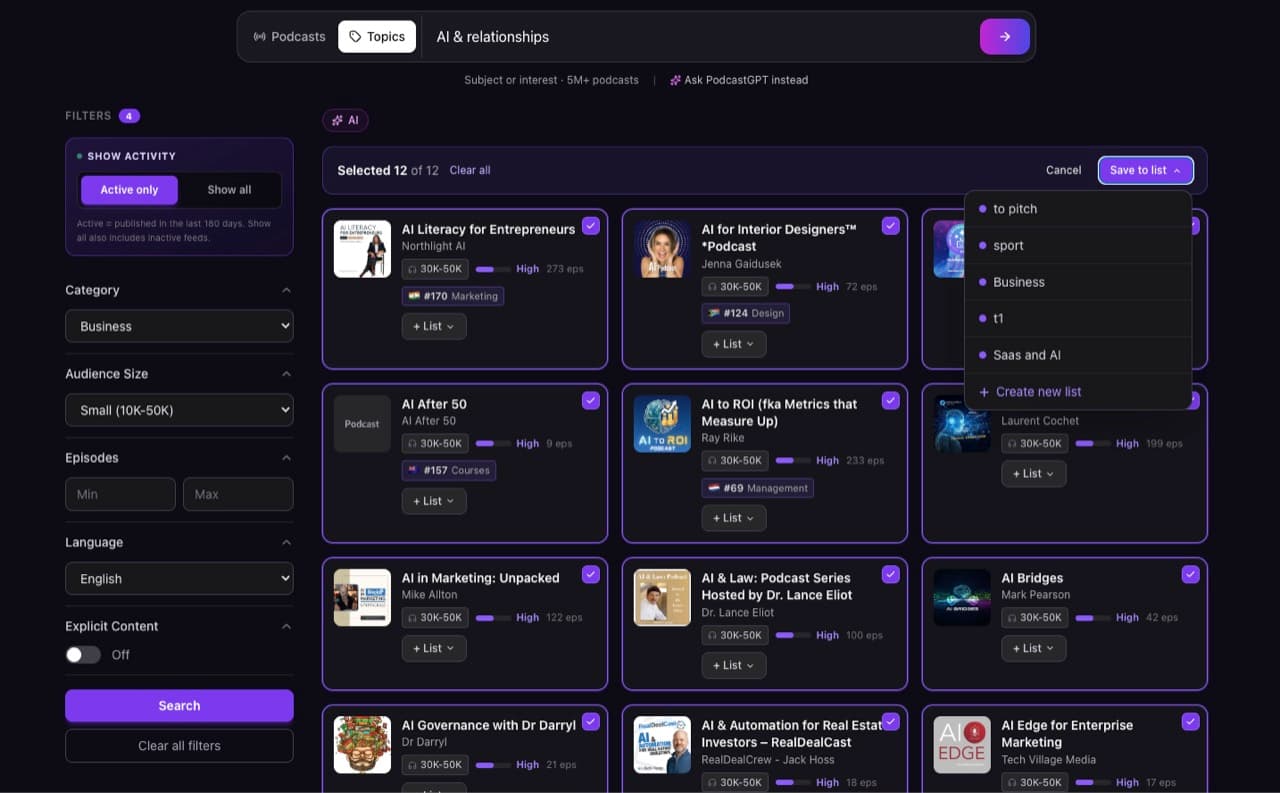
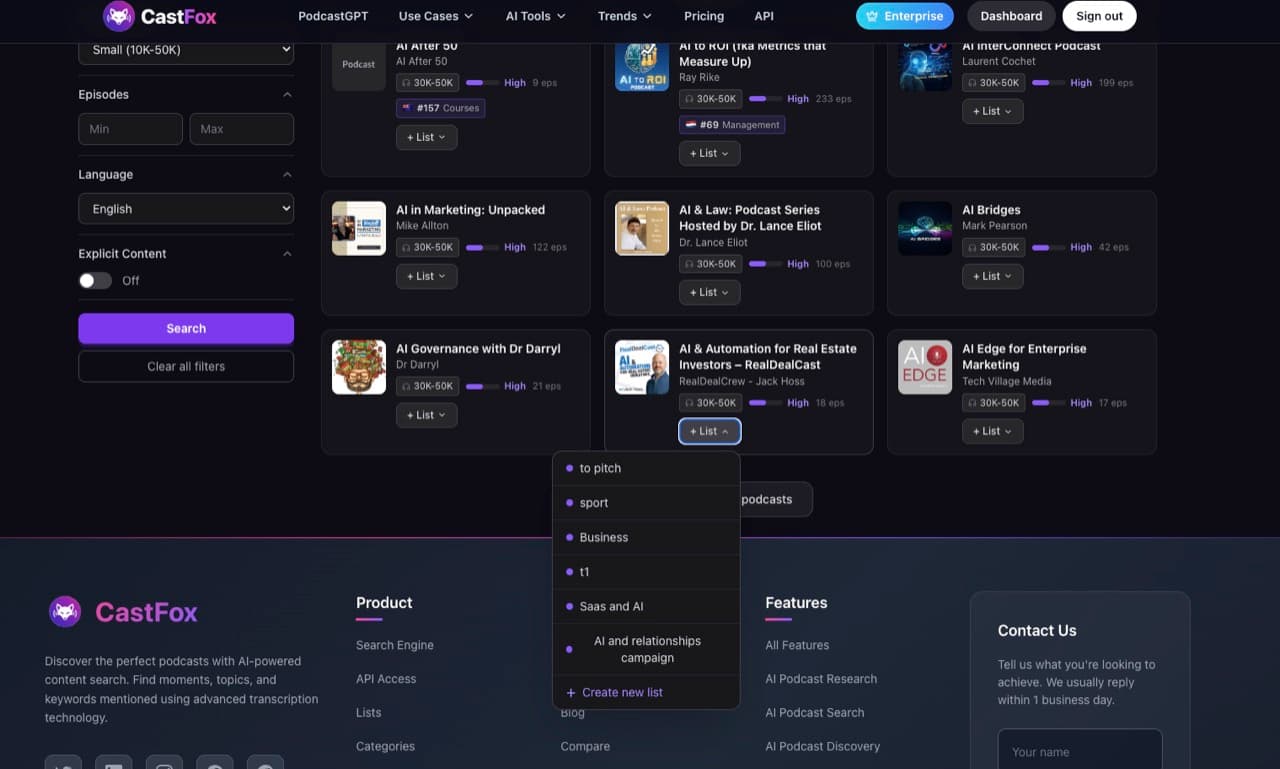
And the list stays open. Every card in search has its own List button, every profile has Save to List, every Guest Finder match has Save to list. As you keep researching, tomorrow or next week, you drop shows into the same campaign one at a time. The list grows with the account.
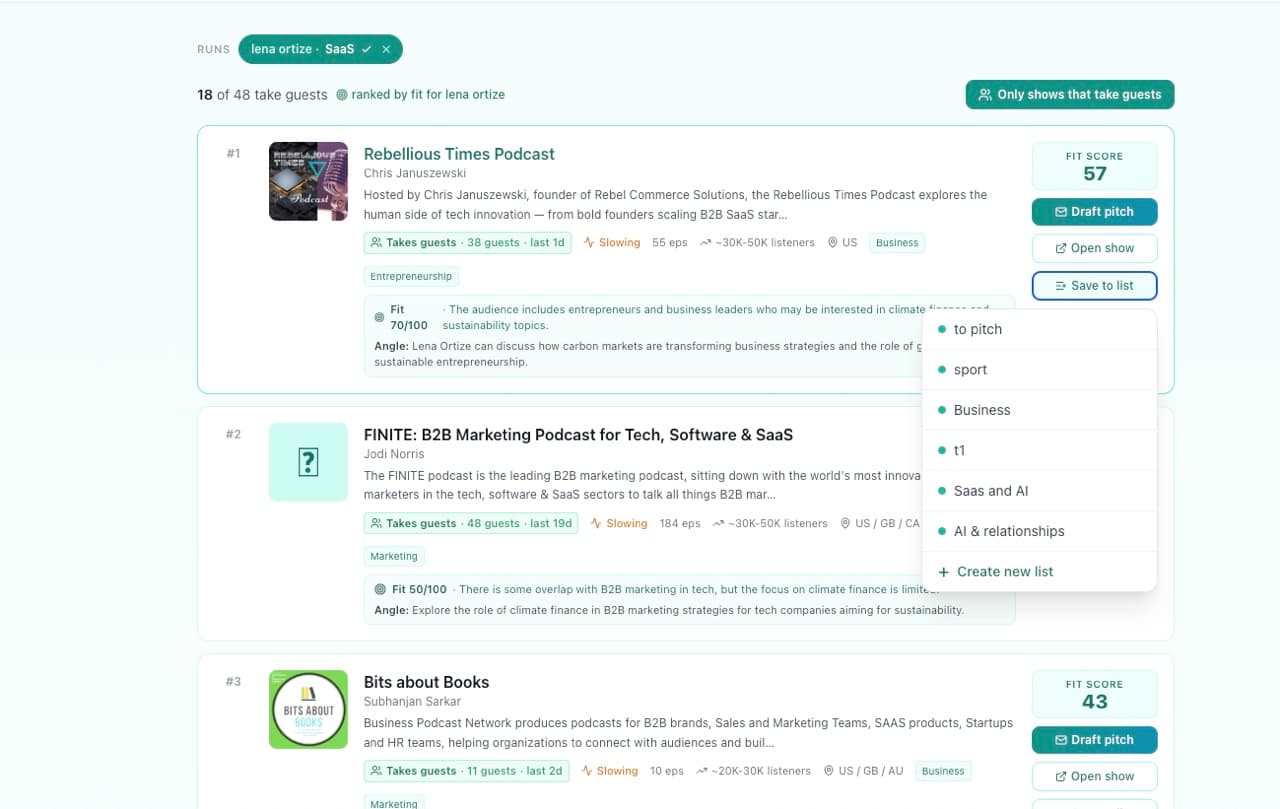
The dashboard: tracked shows, lists and pitches in one place
Everything you save lands in one place: tracked shows, every campaign, and the pitches you've sent. When a client asks where things stand, you have an answer instead of a spreadsheet hunt.
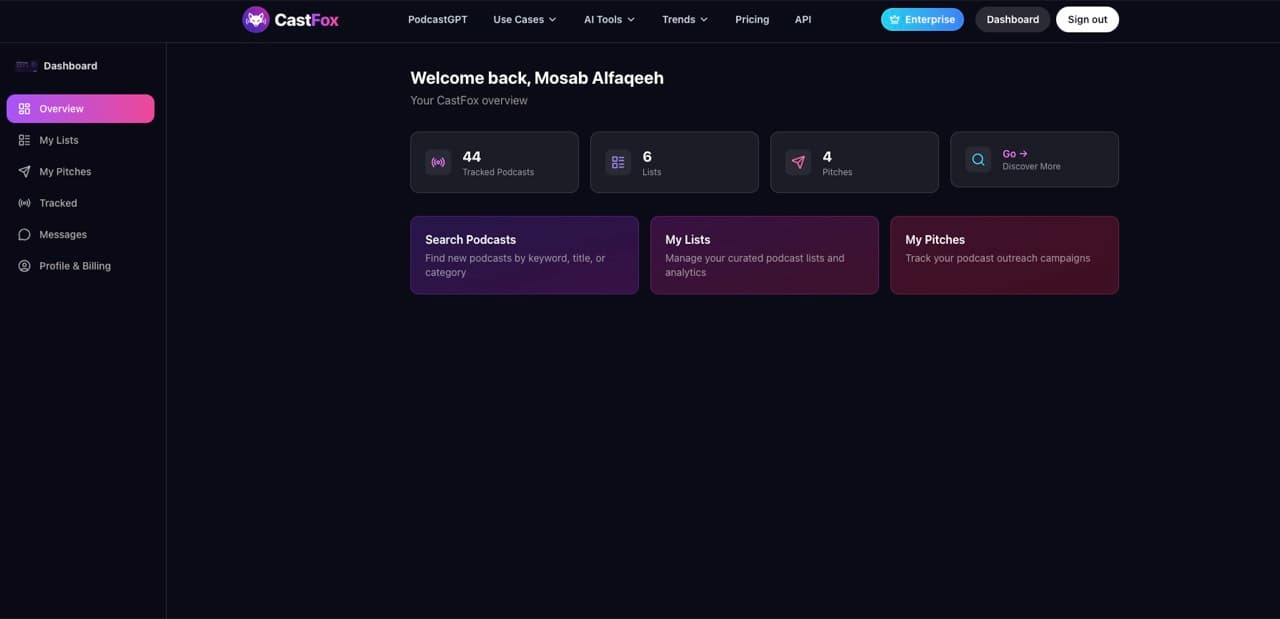
List analytics: combined reach, episodes, categories, languages
Open a campaign and it's already analyzed. Combined reach, total episodes, average popularity, the category spread, the top authors, the language mix. That's your client update, written before you asked for it, and the number that justifies the campaign in a status call.
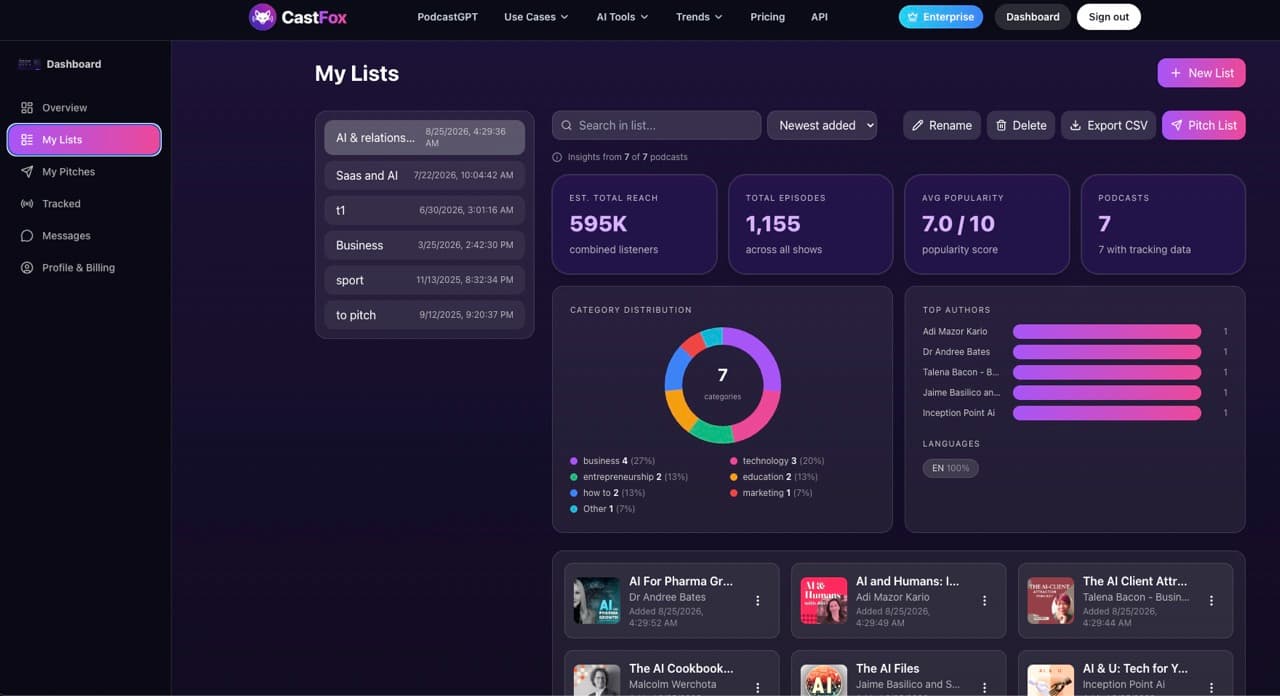
Export to CSV: a podcast media list with host contacts
When the team needs it, export. While it works, CastFox gathers the contact details for every show in the list. What comes out is the whole campaign as a spreadsheet: show, host, website, and the contact columns.
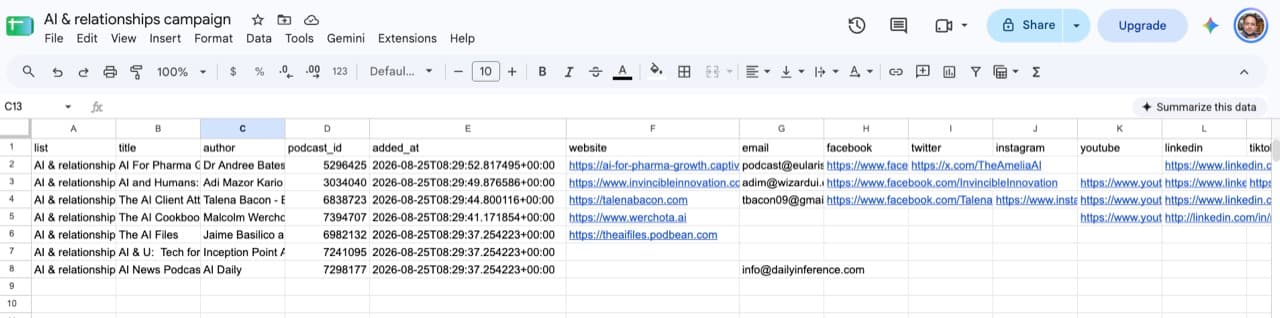
| Column | What it holds |
|---|---|
| list | The campaign or list name |
| title, author | Podcast name and host or publisher |
| podcast_id | Stable CastFox identifier, useful for de-duplicating across exports |
| added_at | When the show was added to the list |
| website | Official website or booking page |
| Verified host or producer email (paid plans) | |
| facebook, twitter, instagram, youtube, linkedin, tiktok | Official social profiles where found |
That's the part that usually costs a day of digging. Hand it to a junior, drop it in the CRM, attach it to the client report. The research leaves the platform in a form everybody can use.
Tracking and alerts: know when a podcast publishes or moves
The Track Alerts toggle sits in every profile header. Turn it on and CastFox emails you when the show publishes an episode, and flags chart moves and audience shifts. Tracked shows appear at the top of the dashboard with their latest activity, so a client's target list stays current without re-research.
- New episode
- An email when a tracked show publishes, so you can react while the episode is fresh, or follow up on a pitch with a specific reference.
- Chart movement
- Flagged when a tracked show enters, climbs or drops on Apple charts in any tracked country.
- Audience shift
- Flagged when the reach estimate or follower counts move materially.
API and database access
Agency plans get API access to pull CastFox data into their own systems: podcast profiles, search results and list contents. Enterprise gets direct database access and recurring discovery and outreach workflows set up by the CastFox team, for agencies that want CastFox running in the background rather than in a browser tab.
List strategies for agencies and in-house teams
- One list per client per angle
- A climate-finance client might have a "sustainability" list and a "startups" list. Separate lists keep reach numbers honest and pitches on-topic.
- A standing "to pitch" list
- Drop promising shows in as you meet them during unrelated research. Review it weekly.
- A competitor watch list
- Track the shows where a competitor sponsors or appears. Alerts tell you when they publish.
- A tiered list
- Split by audience size: a Small-tier list for volume outreach, a Large-tier list for a few well-researched pitches.
- Export before every status call
- The CSV plus the list analytics screenshot is the client update.
Frequently asked questions about podcast lists and exports
How do I build a podcast media list quickly?
What analytics does a CastFox list show?
What columns are in the CSV export?
Can I import CastFox lists into my CRM?
How do tracking alerts work?
How many lists and tracked podcasts do I get?
Is there an API for podcast data?
Related guides and tools
- Podcast list buildingStep by step for PR and marketing teams
- AI Media List BuildingFrom a brief to an exportable list with contacts
- Podcast monitoringAlerts and tracking for brands and agencies
- API documentationPull CastFox data into your own tools
- Back: AnalyzeWhat the numbers in a list are built from
- Next: PitchPitch a whole list in one click